

Few things are more frustrating than passing a Cloudflare CAPTCHA, only to be asked to verify again seconds later. If you're experiencing a Cloudflare verification loop, you’re not alone. This issue affects everyday browsers and business users alike—disrupting workflows and slowing down access.
The good news? This isn't a random glitch. It’s Cloudflare's security system doing its job. Once you understand how it thinks, you can break the loop.
Why Does Cloudflare Keep Asking for Verification?
Cloudflare acts as a gatekeeper between users and websites. When it detects something unusual about your request, it responds with repeated challenges. The most common triggers fall into three categories.
1. IP Reputation Issues
Cloudflare assigns a reputation score to every IP address. You're more likely to face repeated verifications if your IP:
- -Has been shared by many users (e.g., public Wi-Fi, VPNs)
- -Shows a history of abnormal request patterns
- -Belongs to a high-risk network segment (public proxies, data center IPs, or “airport” nodes)
Even if you're a legitimate user, you can be affected by past activity from others on the same IP.
2. Unstable Browser Fingerprint
Cloudflare doesn't just look at your IP—it analyzes your entire browser environment. Factors include:
- -User-Agent string inconsistencies
- -Mismatched OS and browser versions
- -Frequent changes in plugins, fonts, screen resolution, or language settings
If your browser fingerprint keeps shifting, Cloudflare treats each request as potentially suspicious—leading to a Cloudflare verification loop.
3. Cookie or Cache Write Failures
After successful verification, Cloudflare sets a cookie to remember your status. If that cookie can't be saved or read, you’ll get stuck in an endless loop. Common causes:
- -Cookies disabled in browser settings
- -Privacy plugins blocking Cloudflare cookies
- -Corrupted cache or storage issues
In this case, passing verification doesn’t matter—because the "passed" state never gets saved.
How to Break the Cloudflare Verification Loop (Quick Fixes)
Start with these simple steps. They solve the majority of cases.
Step 1: Clean Your Browser Environment
- -Clear cache, cookies, and site data
- -Try accessing the site in incognito/private mode
- -Temporarily disable ad blockers, privacy extensions, and VPN plugins
This is the lowest-cost, highest-success-rate starting point.
Step 2: Change Your Network or IP Source
If the problem continues, examine your IP:
- -Are you using a VPN or public proxy?
- -Do you switch nodes frequently?
- -Are multiple people sharing the same outbound IP?
In real-world tests, switching to a stable residential IP reduces Cloudflare verification triggers by an estimated 60%.
Step 3: Slow Down Your Request Rate
Cloudflare aggressively flags high-frequency requests, including:
- -Rapid page refreshing
- -Opening many tabs at once
- -Automated scripts or crawlers
Pause between clicks. Mimic natural human behavior: scroll, read, then move on.
Long-Term Solutions: Avoid the Loop for Good
For users who need consistent, uninterrupted access (e.g., account management, content operations, SEO monitoring), a more stable setup is essential.
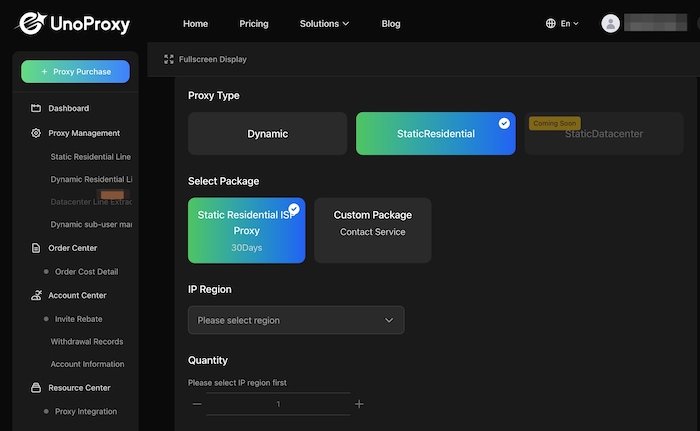
Use a Residential, Session-Stable IP
Avoid datacenter IPs and shared VPN exits. Instead, use:
- -Real residential IPs
- -Fixed session persistence
- -Geographic alignment with your target region
Some professionals using UnoProxy residential IPs report significantly fewer verification loops, with average latency under 100ms—much closer to real user behavior.
Keep Your Browser Fingerprint Consistent
Stick to a fixed combination:
- -Same device and OS
- -Same browser (avoid switching between Chrome, Firefox, etc.)
- -Fixed resolution, language, and timezone
Inconsistent fingerprints are a major red flag for Cloudflare.
Act More Like a Human, Less Like a Bot
Cloudflare now uses behavioral analysis, including:
- -Time spent on page
- -Mouse movements and scrolling
- -Click timing and rhythm
Tests show that adding 2–5 seconds of random delay between actions makes you far less likely to trigger verification than perfectly timed requests.
Common Myths About Cloudflare Verification Loops
❌ "Switching IPs constantly will help."
Actually, frequent IP changes increase your risk score.
❌ "A dedicated IP is always safe."
Not if that IP segment is flagged or your fingerprint is inconsistent.
❌ "Only my IP matters."
Browser fingerprint and behavior account for 50%+ of Cloudflare’s risk model.
❌ "Automated request headers are fine."
Overly clean or repetitive headers are a strong bot signal.
Cloudflare's decision is a composite score, not a single rule.
Maintenance Checklist to Stay Out of the Loop
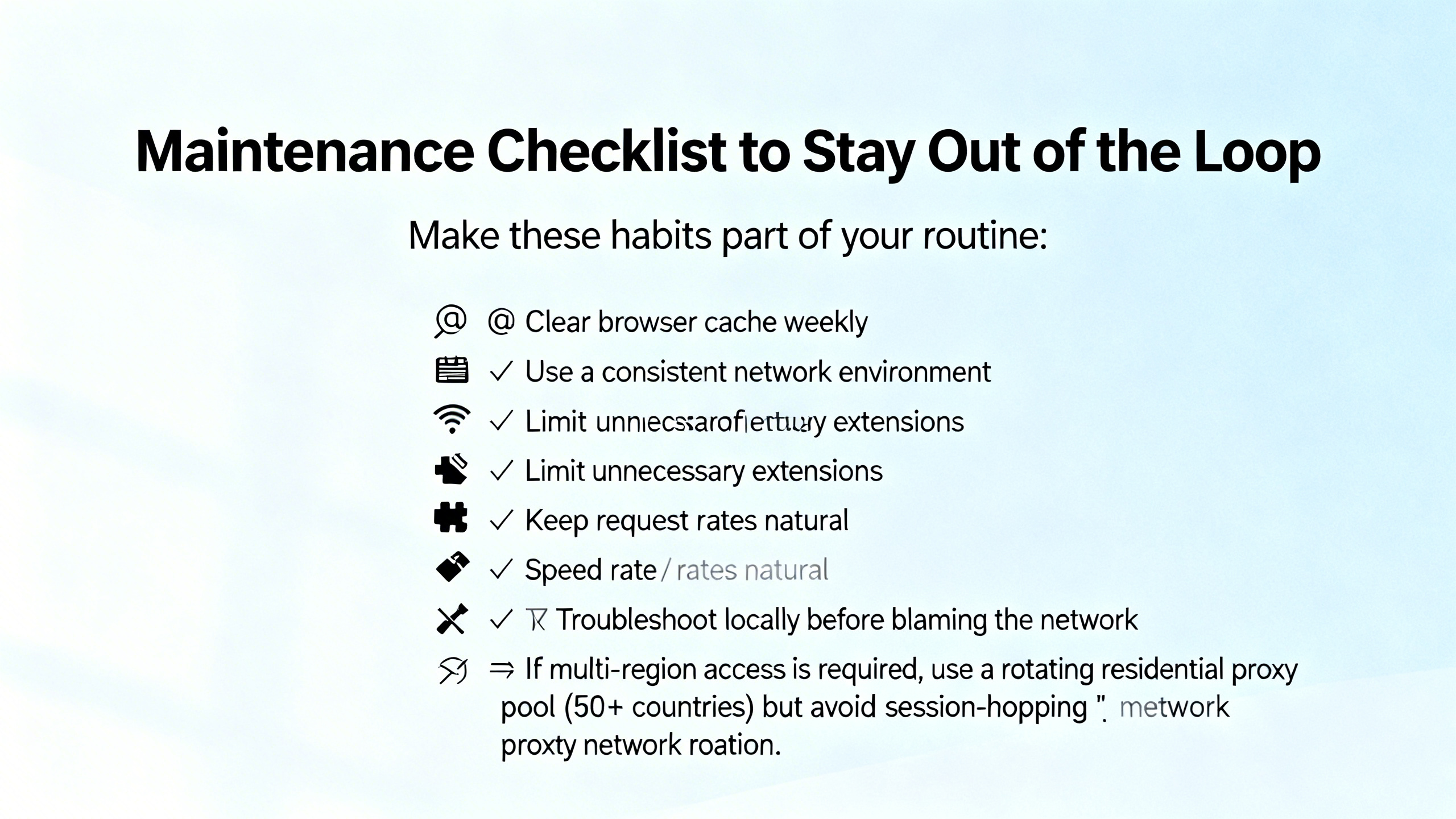
Make these habits part of your routine:
- -Clear browser cache weekly
- -Use a consistent network environment
- -Limit unnecessary extensions
- -Keep request rates natural
- -Troubleshoot locally before blaming the network
- -If multi-region access is required, use a rotating residential proxy pool (50+ countries) but avoid session-hopping
Final Thoughts
A Cloudflare verification loop is rarely a system failure. It’s a mismatch between your access behavior and Cloudflare's security expectations.
By cleaning up your browser environment, using a stable residential IP, and acting like a real human, most verification loops can be resolved quickly.
Remember: The more you look like a genuine user, the less Cloudflare will challenge you.
