

Every device connected to the internet needs a unique address, just like every house needs a street address to get mail. For decades, the system that handled this was called IPv4. But we've run into a huge problem: we’re almost out of addresses.
The solution? A new system called IPv6.
If you're wondering what that means for your internet speed, your gaming sessions, or just your daily browsing, you’re in the right place. We'll cut through the technical jargon and give you the straight facts. By the end of this article, you’ll know exactly what IPv4 and IPv6 are, which one might be better for you, and how to see what your connection is using right now.
Let's get started.
What Is an IP Address and How Does It Work?
An IP (Internet Protocol) address is a unique string of numbers that identifies every device on a network. Think of it as your device’s digital fingerprint or phone number online.
When you want to visit a website, your device sends a request. That request carries your IP address so the website's server knows where to send the data back. Without this address, the information you ask for would have nowhere to go, and the internet simply wouldn't work.
The "protocol" part is just the set of rules that manages how this data gets from point A to point B. IPv4 and IPv6 are two different versions of these rulebooks.
What Is IPv4?
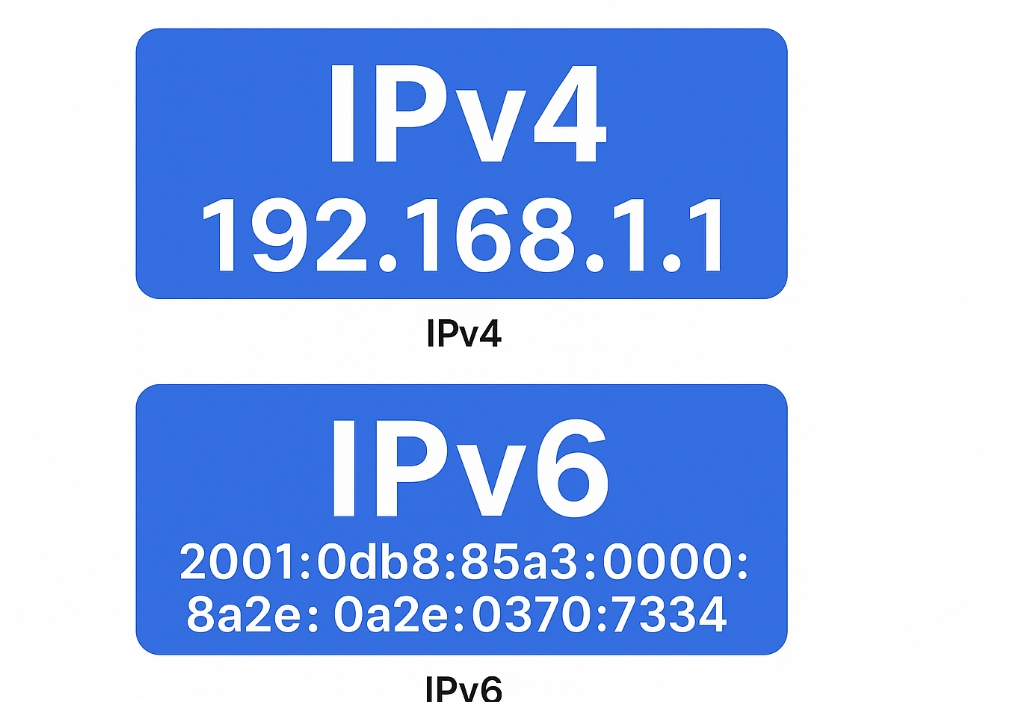
IPv4 is the internet’s original foundation. Launched in the early 1980s, it uses a 32-bit address system. You’ve seen these addresses—they look like this: 192.168.1.1.
This format allows for about 4.3 billion unique addresses. Back in the 80s, that seemed like more than enough. But with the explosion of computers, smartphones, tablets, and smart home devices, we’ve completely run out of new IPv4 addresses.
This shortage led to a clever workaround called NAT (Network Address Translation). Your home router uses NAT to assign private IP addresses to all your devices and then represents them online with a single public IPv4 address. It’s a handy band-aid, but it adds complexity and can sometimes slow things down.
What Is IPv6?
IPv6 is the upgrade designed to replace IPv4 and solve the address exhaustion problem for good. It uses a 128-bit address system, which means the number of available addresses is astronomically huge. We’re talking about 340 undecillion addresses—enough for every person on Earth to have trillions of devices.
These addresses are written in hexadecimal and look more complex, for example: 2001:0db8:85a3::8a2e:0370:7334.
But IPv6 is much more than just more addresses. It’s a smarter, more efficient protocol built for the modern web:
- No More NAT: Devices can connect directly to each other.
- Built-in Security: IPsec, which provides encryption and authentication, is a required part of the protocol.
- Improved Efficiency: Simplified packet headers allow routers to process data faster.
- Better Performance: Less network complexity often means lower latency.
What Is the Difference Between IPv4 and IPv6?
This table breaks down the core differences between the two protocols at a glance.
| Feature | IPv4 | IPv6 |
|---|---|---|
| Address Size | 32-bit | 128-bit |
| Address Example | 192.0.2.1 | 2001:db8::1 |
| Address Capacity | ~4.3 Billion | Nearly Unlimited |
| NAT | Required for most networks | Not needed |
| Security | Optional (IPsec) | Mandatory (IPsec) |
| Configuration | Often manual or DHCP | Auto-configuration (SLAAC) |
The main takeaway? IPv6 is a fundamental upgrade designed for a world with billions of connected devices. It’s built to be faster, more secure, and more efficient.
For businesses managing large-scale web operations—like data scraping, ad verification, or multi-account management—this transition is critical. This is where a robust proxy solution becomes essential.
Services like UnoProxy provide access to massive pools of both IPv4 and IPv6 proxies, ensuring your tools work seamlessly regardless of the protocol, maximizing compatibility and success rates. It’s a smart way to future-proof your online operations.
Should You Switch to IPv6? How to Check & Enable It
For most users, "switching" isn't something you do yourself. It depends on your Internet Service Provider (ISP) and your router. The good news? It's incredibly easy to check your status and take action.
How to Check for IPv6 Support:
The simplest way is to visit a website like test-ipv6.com. It will run an instant diagnostic and tell you if your connection is IPv6-ready. It's a trusted, reliable tool.
How to Enable IPv6:
If the test shows you don't have it, you might need to enable it on your router.
- Log into your router’s admin panel (usually by typing 192.168.1.1 or 192.168.0.1 into your browser).
- Look for a network or internet settings section.
- Find the IPv6 settings and change them from "Disable" to "Enable." (Note: The exact steps vary by router model, so you may need to check your manual).
Don't worry about compatibility. All modern operating systems (Windows, macOS, Android, iOS) support IPv6 perfectly. Enabling it is a proactive step toward a better internet experience.
Ready for a faster, more modern web? Check your connection at test-ipv6.com today and see what your current setup is capable of.
FAQ
Is IPv4 Still Used?
Yes, absolutely. The transition to IPv6 is a slow process. A large portion of the internet still relies on IPv4, and NAT technology keeps it running. However, all major ISPs and content providers (like Google and Netflix) are actively adopting IPv6. The internet is currently running both systems side-by-side in a "dual-stack" configuration.
Which is Better: IPv4 or IPv6?
From a pure technology standpoint, IPv6 is the better protocol. It’s more efficient, more secure, and designed for the future. However, "better" can depend on context. Since IPv4 is still so widespread, it’s not going away anytime soon. The best setup is a network that supports both.
Does IPv6 Make Internet Faster?
In many cases, yes. The efficiency of the IPv6 protocol can reduce latency. Because it often allows for more direct connections between devices (bypassing NAT), your data may take a shorter path. For everyday browsing, you might not notice a dramatic difference, but for data-intensive tasks, the improvement can be significant.
Is IPv6 Better for Gaming?
Generally, yes. Lower latency (ping) is the holy grail for online gaming. Since IPv6 can provide a more direct route between players and game servers, it often results in a smoother, more responsive gaming experience. While it also depends on the game developer’s support, the protocol itself is superior for real-time connectivity.
