

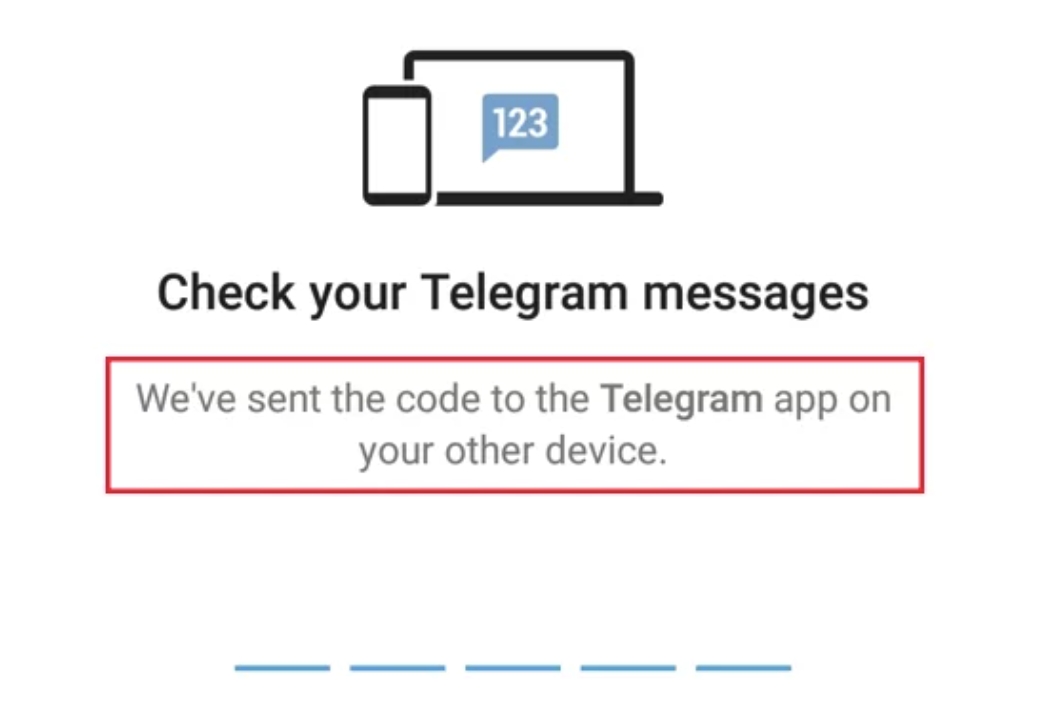
Staring at your phone, waiting for a Telegram verification code that never arrives, is a uniquely modern frustration. You need to access your messages now, but the system has hit a wall. If you're searching for "telegram not receive code," you're not alone. This is a common issue with a range of solutions, from simple settings tweaks to more advanced network adjustments. This guide will walk you through 10 actionable steps to solve this problem and get you back into your account. If you suspect your network or location is the culprit, using a reliable proxy server for Telegram can often be the key—we'll explain how and where it fits into your troubleshooting process. Let's dive in and fix this.
You may also need: Why Am I Not Receiving Any Codes from Instagram?
Why Your Telegram Verification Code Isn't Arriving
Before we jump into the fixes, it helps to understand what might be going wrong. Telegram’s system is generally robust, but several factors can interrupt that crucial code delivery. The most common culprits are:
- Network Restrictions: Firewalls on your Wi-Fi, corporate networks, or even your mobile carrier can block the SMS or the initial request to Telegram's servers.
- Incorrect Phone Number: A simple typo, an old number linked to the account, or an incorrectly formatted international code (+1, +44, etc.) will send the code into a void.
- Carrier or SMS Issues: Some mobile carriers aggressively block short-code messages, mistaking them for spam. Temporary outages can also be a factor.
- App or OS Glitches: A bug in the Telegram app or incorrect permissions on your device (especially on Android) can prevent the code from being received or displayed.
- Server-Side Delays: While rare, Telegram’s servers can experience high load or temporary issues, causing delays.
- Country-Level Restrictions: If you are in a region where Telegram is restricted or banned, your request may be actively blocked by local internet providers.
Understanding these root causes is the first step to finding the right solution. Let’s get your account back.
The Ultimate Troubleshooting Checklist: 10 Fixes to Try
Work through these steps in order. Most users find a solution within the first few.
1. The First and Easiest Fix: Retry and Use the "Call Me" Option
Often, the simplest solution is the most effective. If the SMS doesn’t arrive after a minute or two, tap “Send SMS again.”
If several minutes pass and nothing comes through, look for the “Call me” option. Telegram will automatically call your number and deliver the verification code via an automated voice message. This bypasses SMS issues entirely and is often successful.
2. Master Your Number: Check for Typos and Country Codes
This is a critical step. Your phone number must be entered exactly as it was when you created the account, including the correct country code.
- For the US: The format should be +1 555 123 4567.
- For the UK: The format should be +44 20 1234 5678.
Ensure there are no spaces, dashes, or brackets. The international format (starting with +) is crucial. A single digit error is enough to cause a complete failure.
3. Rule Out Your Connection: Switch Between Wi-Fi and Mobile Data
Your network connection could be the problem. A weak Wi-Fi signal or a restrictive firewall can prevent your device from communicating with Telegram’s servers.
- Toggle Airplane Mode: Turn on Airplane Mode for 15 seconds, then turn it off. This resets your device’s network modules.
- Switch Networks: If you’re on Wi-Fi, turn it off and try using your mobile data instead. If you’re on mobile data, try connecting to a different Wi-Fi network. This will help you identify if the issue is with your specific network.
4. Grant Permissions: Ensure Telegram Can Receive SMS (Android)
Android users must explicitly grant apps permission to access SMS. If this permission is revoked, Telegram can’t read the incoming code, even if it arrives.
--Go to your phone’s Settings.
--Tap Apps > Telegram > Permissions.
--Ensure the SMS permission is toggled on.
5. Check the Blocklist: Unblock Telegram's Numbers
You or your carrier might have accidentally blocked the number Telegram uses to send codes. Check your phone’s built-in blocking settings and your carrier’s account management portal for any spam filters that might be active.
6. Update and Reinstall: Tackle App Glitches Head-On
A corrupted app cache or a buggy update can cause login issues.
- Update: Go to your app store (Google Play or Apple App Store) and check if there’s an update available for Telegram.
- Reinstall: If updating doesn’t work, uninstall the app and then download a fresh copy from the official store. Don’t worry—your messages are stored in the cloud, not on your device. However, ensure you have your 2FA password ready if you had it enabled, as you’ll need it to log back in.
7. The Classic Reboot: Restart Your Device
It’s a tech support cliché for a reason. A full restart clears your device’s temporary memory (RAM) and refreshes all background processes and network connections, which can resolve a surprising number of glitches.
8. Contact Your Mobile Carrier
If you’ve tried everything else, the issue might be with your mobile provider. Call their customer service and ask a specific question: “Are you blocking short-code messages from being delivered to my number? My verification messages from services like Telegram are not coming through.” They can check for blocks or confirm outages in your area.
9. When All Else Fails: The Power of a Proxy Server
If you’ve reached this step, the problem is likely a network-level block. This is common on school, workplace, or public Wi-Fi networks, and is almost guaranteed if you are in a country that restricts Telegram.
This is where a proxy server becomes an essential tool.
A proxy acts as an intermediary for your internet traffic. Instead of your request going directly to Telegram (and being blocked), it is routed through a server in a different, unrestricted location.
How a Proxy Helps: The block isn't on the SMS itself, but on the initial request your app sends to Telegram's servers to ask for the code. If that request is blocked, the code is never sent. A proxy bypasses this by making the request appear to come from a permitted location.
How to Use a Proxy for Telegram Verification:
- -Choose a reputable proxy provider like UnoProxy that offers high-speed, reliable servers.
- -Configure the proxy settings on your device. (UnoProxy provides easy-to-follow setup guides for various platforms).
- -Once your connection is routed through the proxy, open Telegram and request the verification code again.
This method successfully bypasses local network restrictions and is often the definitive solution for users in censored regions.
10. The Last Resort: Contact Telegram Support
If all steps fail, you can reach out to Telegram directly. Your best option is to email their dedicated login support team at login@stel.com. Be sure to include your phone number (with country code), your device model (e.g., iPhone 15, Samsung Galaxy S23), and a list of the troubleshooting steps you’ve already tried.
Proactive Measures: How to Avoid This in the Future
Once you’re back in, secure your account to prevent future lockouts.
1. Set Up Two-Factor Authentication (2FA):
This adds a password layer that is separate from your SMS code. Once enabled, you’ll need both your SMS code and this password to log in on new devices, making your account far more secure and less reliant on SMS.
2. Add a Recovery Email:
Link a secure email address to your Telegram account. This provides a crucial backup path for account recovery and important notifications.
3. Consider Keeping a Proxy Handy:
For users in regions with unstable access, a trusted proxy service is more than a troubleshooting tool; it’s a key to consistent, uninterrupted access for signing in and everyday use.
Frequently Asked Questions (FAQ)
Q: Is my account hacked if I don't get a code?
A: Not necessarily. It is almost always a technical or network-related delivery issue rather than a security breach. A hacker would need control of your phone number to intercept the code.
Q: How long do Telegram verification codes last?
A: They typically expire after 5-10 minutes for security reasons. If it expires, you can simply request a new one.
Q: Can I use Telegram without a phone number?
A: No, a phone number is the primary identifier for your account. However, you can use privacy settings to hide your number from people who aren’t your contacts.
Q: Why would a proxy help if the code comes via SMS?
A: The proxy doesn’t affect the final SMS delivery from your carrier. It bypasses the block on the initial request from your app to Telegram. If that request gets through from an unrestricted proxy server, Telegram will then send the SMS, which should arrive as normal.
Conclusion: Regain Access and Stay Secure
Getting locked out of Telegram is stressful, but it's almost always solvable. By methodically working through these fixes—from checking your number to leveraging a proxy to bypass network blocks—you can overcome the "verification code not received" error.
Start with the simple steps like retrying and checking permissions before moving on to more advanced solutions like network switching and proxies. Once you're back in, take five minutes to set up 2FA and a recovery email. For those on restricted networks, remember that a reliable proxy isn’t just a fix; it’s your gateway to reliable and secure communication.
